- Home
- Team Tactics
- Theme Sort
Theme Sort
Table of contents
What is Theme Sort?
Theme Sort is a card from the Team Tactics deck by Pip Decks.
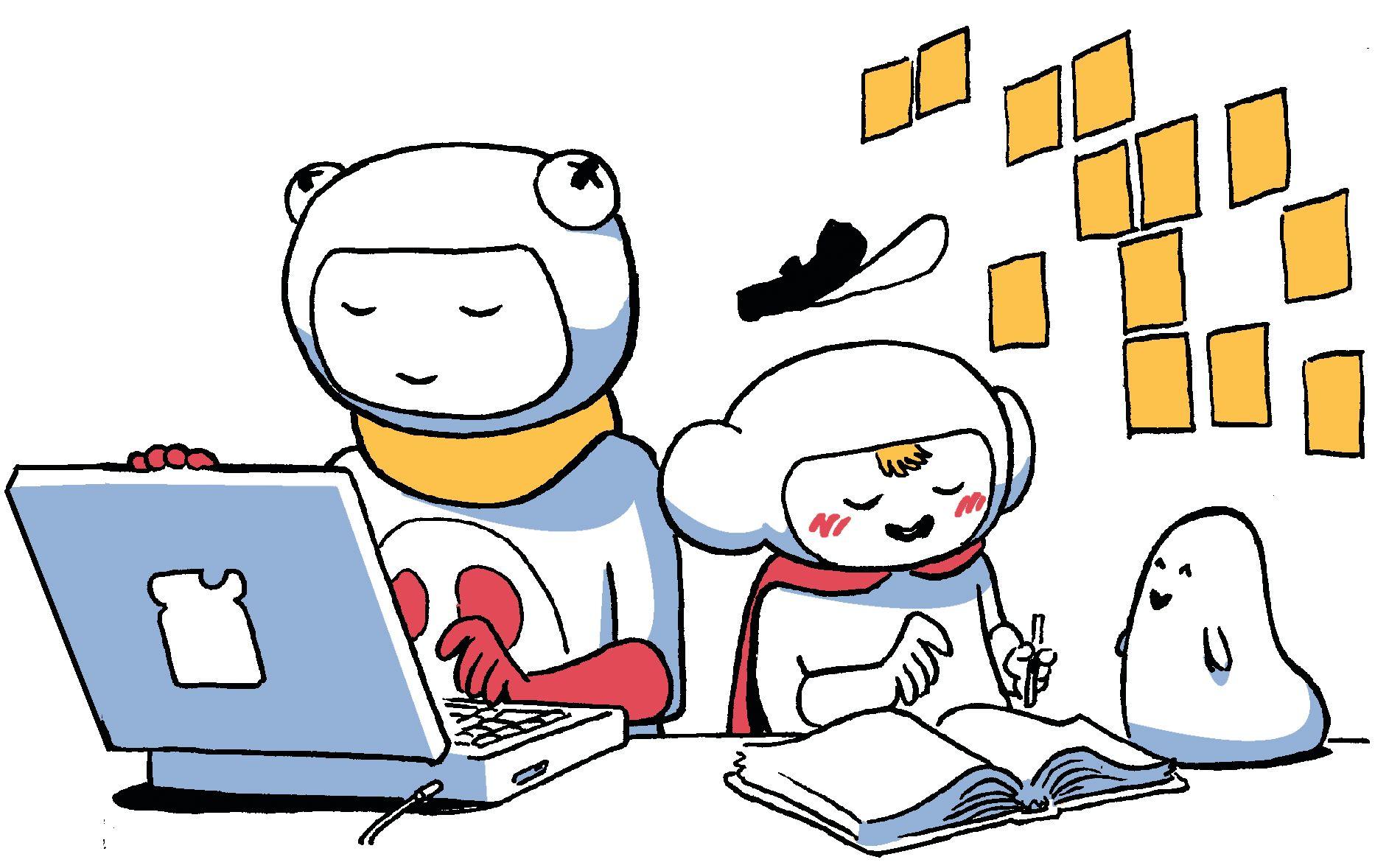
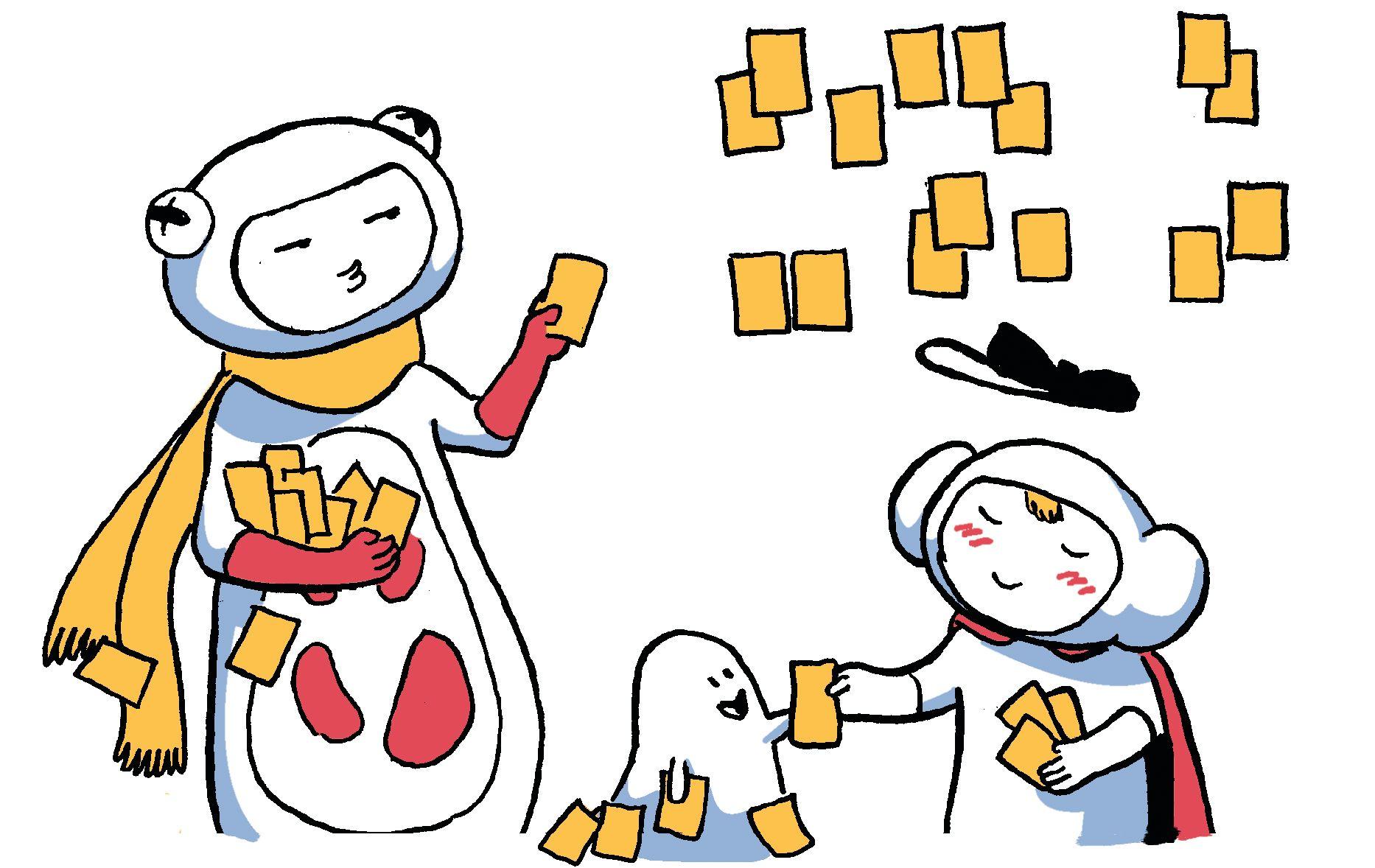
When you have a lot of sticky notes, grouping them by similarity allows themes to emerge. This helps you make sense of a large amount of information, which makes it easier to prioritise.
When to use Theme Sort
- Overwhelmed by large amounts of data or ideas
- Need to prioritize tasks or projects
- Desire to identify common themes in customer feedback
- Struggling to make sense of brainstorming sessions
- Need to align team on strategic priorities
- Preparing for a strategic planning session
- Facilitating a retrospective meeting
How to use Theme Sort
- Make sure you’ve got a lot of workspace.
- Gather your sticky notes and read each one aloud as you place it on your workspace. Make sure there is only one idea per note.
- Each time you put up a new sticky note, ask yourself if it’s similar or related to a previous one. If so, place it near the existing note. If it’s exactly the same, place it behind that note.
- When all the sticky notes have been clustered, write a title for each group on a larger sticky note. These are your themes.
- Review the outliers; they may belong in smaller clusters.
Tip: it’s easier to Theme Sort as you go, even if you’re running a group session.